
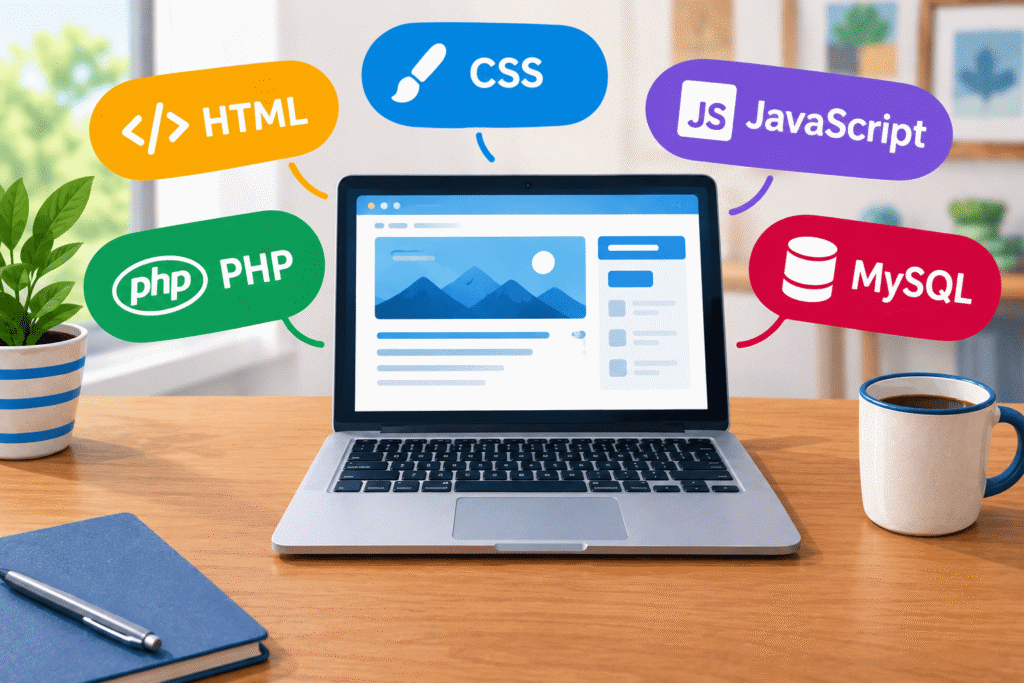
One reason WordPress is so popular is that it mostly eliminates the need to know how to program, but it still lets you have incredibly powerful features. Of course, all that programming has to take place behind the scenes. Every WordPress site is a mix of different computer languages working together like ingredients in a recipe.
And like a lot of things in life – they sound more complicated because they’re hidden behind some confusing letters.
Most of these are “built in”, although some special features may require a custom build. Basically adding a plug-in to the site is adding that kind of custom build, but even then, there aren’t plug-ins for every possible feature you may want!
What Makes WordPress Run?
PHP – The Engine
PHP is the programming language that powers WordPress behind the scenes. It talks to the database, grabs the right content, and assembles it into a page that your visitors see. There are hundreds, or even thousands, of PHP files in your WordPress site. That helps make them very modular and easier to handle.
MySQL – The Database
MySQL (pronounced “My sequel”) is where your content lives—every post, comment, user account, and setting is stored in a MySQL database. PHP pulls data from MySQL and displays it through HTML, CSS, and JavaScript. Without MySQL, your site would have no memory.
The MySQL database looks and works a bit like a huge spreadsheet. It may have dozens of tables, each with thousands of entries. And those entries can connect to entries in other tables.
PHP is used by about 73.4% of all the websites whose server-side language is known. Of those, over 50% are already running PHP 8, the current major version.
What Makes Your Website Look The Way It Does?
HTML – The Structure
HTML (HyperText Markup Language) is the frame of your site. It tells the browser what goes where: titles, paragraphs, images, links, forms, and more. Every web page in the world uses HTML.
CSS – The Style
CSS (Cascading Style Sheets) is the design language. It decides how things look: colors, fonts, spacing, layouts, and responsive design for phones and tablets. If HTML says “this is a heading,” CSS decides whether it’s bold, blue, centered, or styled in your brand colors.
If a site is showing the wrong fonts, or the pictures are the wrong size, that’s probably a CSS issue. Normally, the real issue is that caching isn’t letting your browser read the CSS correctly.
HTML and CSS are the languages your browser understands. It says, for instance, what your header and footer are, where paragraphs begin and end, and where links go.
JavaScript – The Interactivity
JavaScript (JS) makes a site feel alive. It handles slideshows, pop-ups, dropdown menus, form validation, and even complex things like interactive maps or filtering products in an online store. Most things that update “live” – either automatically or when you click – are using Javascript to do that.
To make things more confusing, there’s another, completely different, programming language called “Java” – but it’s not usually connected to WordPress.
Other Helpers
These are the main players, but there are some supporting roles worth mentioning:
JSON (JavaScript Object Notation) – often used to send data back and forth between WordPress and plugins. For instance, I mostly use Elementor for building sites, and if I want to copy a template from one site to another, Elementor exports it as a JSON file.
XML – an older format, but it’s still used sometimes for feeds or imports. If you want to export all your existing blogs using WordPress’ default tools, it uses an XML file.
Most of the time, you won’t have to worry about these at all (especially if you’ve hired me to maintain your site!). But these are all common terms you’ll see connected with your site. Seeing so many letters can be intimidating, but there’s nothing to worry about! They all have their place in making your site running smoothly.
CSS Was First Released in 1996
The first official CSS specification (CSS1) was published in December 1996.
Today, there’s no single “CSS version 3 or 4” overall — instead, CSS is made up of modules (e.g. “CSS Color Module Level 5,” layouts, grid, etc.).