
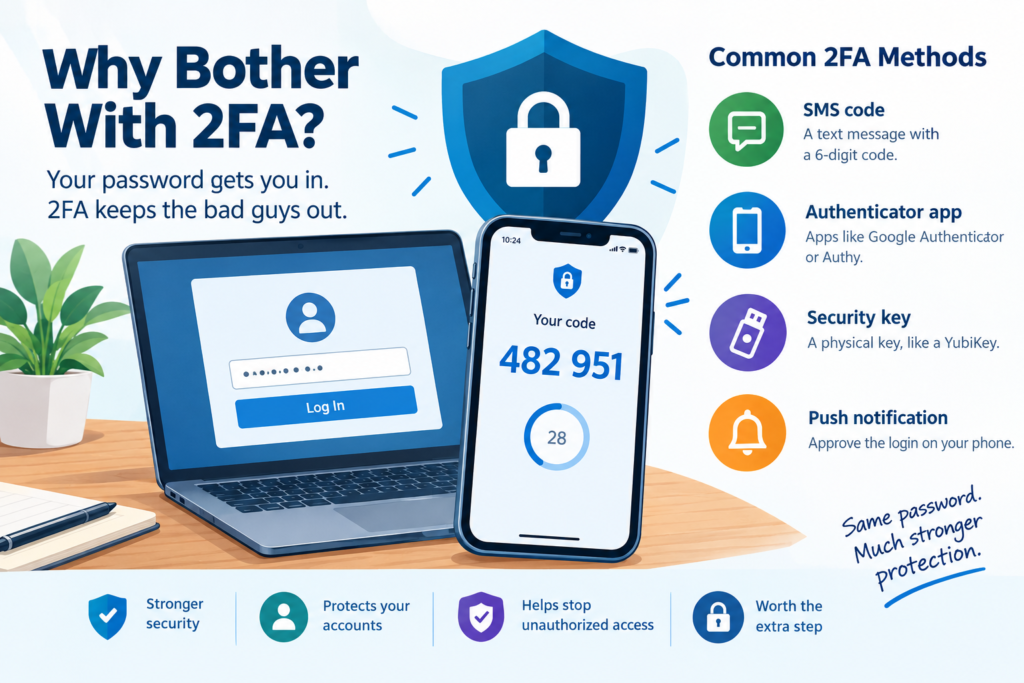
More and more often, we see the problem with relying only on passwords. We all know they aren’t perfect. They get reused, guessed, phished, or stolen in data breaches, no matter how secure we may think they are.
That’s where 2FA (two-factor authentication) comes in. It adds a second layer of security to your login process, even if someone has your password.
So What Is 2FA?
2FA means you need two things to log in:
- Something you know: your password
- Something you have: usually a code from your phone or an authentication app
That way, even if a hacker gets your password, they still can’t log in without the second verification factor.
Common Examples
- A text message with a 6-digit code (SMS-based 2FA)
- A code from an app like Google Authenticator or Authy
- A physical security key, such as a YubiKey
- A push notification on your phone that lets you approve the login
Yes, 2FA can be a pain in the neck sometimes, but it’s worth the extra step to keep your accounts secure.
Why It’s Worth the Trouble
Yes, it’s an extra step, but it’s one of the strongest defenses against someone taking over your account. Without 2FA, a stolen password may give an attacker full access. With 2FA, they also need access to your second verification factor.
It’s especially important to turn on 2FA for:
- Email accounts, such as Gmail, Outlook, or Rackspace
- WordPress administrator accounts
- Payment processors, such as Stripe or PayPal
- Social media and Google Business accounts
If you’ve ever thought, “I’m too small a target,” think again. Bots don’t discriminate. Many of you have probably already dealt with automated attempts to test stolen credit card information on your websites.
2FA won’t help with those attacks because they don’t necessarily involve someone trying to log in to your account. But it can stop many unauthorized login attempts cold.
What About MFA and Passkeys?
You may also see the term MFA, which stands for multi-factor authentication. As the name implies, MFA can use more than two factors to verify your identity.
You may also have started seeing passkeys. Passkeys are a newer technology that uses cryptographic keys to let you sign in without entering a password. For example, you might use a passkey stored on your phone to sign in on your computer, then confirm the login on your phone.
Depending on the device and service, you may verify the login with your fingerprint, face recognition, or your device PIN.
Passkeys are designed to be more resistant to phishing than passwords and many traditional login methods. They can also work across multiple devices, depending on how the passkey is stored and synchronized.
Having Trouble With Your 2FA Code?
Ever have trouble with your phone-based 2FA authenticator? It might not be the right time!
Yes, literally.
Some authentication apps generate codes based on the current time. Check the time on your computer and your phone to make sure they match. If one of them is out of sync, it can affect the effectiveness of your 2FA code and cause a perfectly good code to be rejected.
One More Thing
Not all forms of 2FA provide the same level of protection. SMS-based 2FA, for example, is generally less secure than using an authentication app or a physical security key.
But even an imperfect second layer of protection is better than relying on a password alone. If an important account gives you the option to enable 2FA or MFA, take advantage of it.
Your future self will probably thank you.
If you don’t currently use 2FA and you’re ready to take the leap, let me know and I’ll get it set up on your WordPress site! Reach me at sales@coolhuntersgt.net.